

How Should I Prepare For Internet Showing?
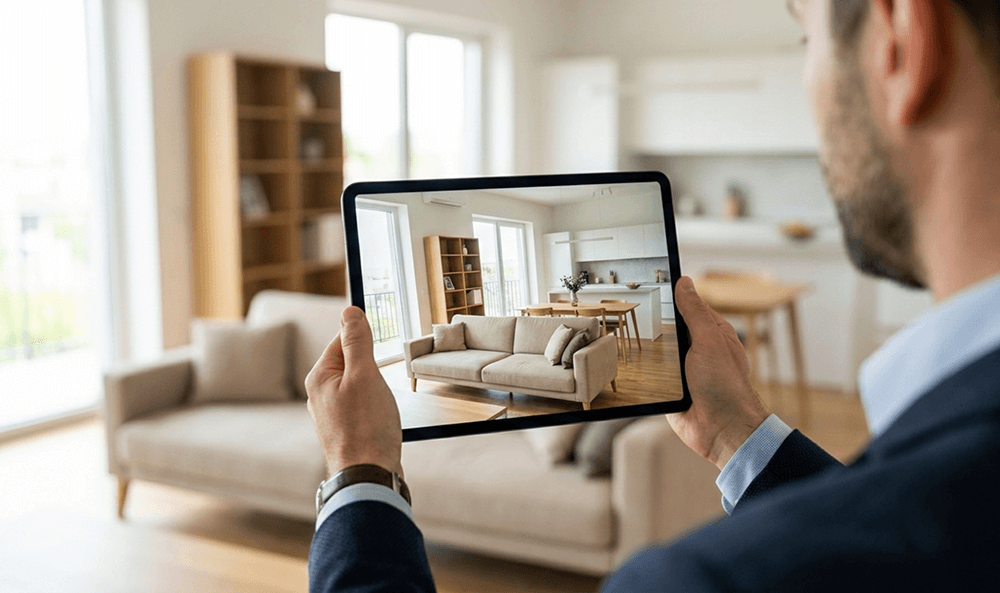
How Should I Prepare for an Internet Showing?
Selling a house online feels a little like hosting friends and a little like producing a simple video, because you are trying to make someone comfortable while also guiding their attention. A good Internet showing helps buyers understand the layout, notice the upgrades, and imagine daily life in the space, even though they are standing somewhere else with a screen between you. That means preparation is less about perfection and more about clarity, since anything confusing on camera usually reads as a bigger problem than it really is.
A smart approach is to think in layers: first, make the house genuinely ready, then make it camera-ready, then make the experience easy for the buyer to follow. The best part is that most of what works online also improves in-person showings, so you are not wasting effort. Once you dial in lighting, staging, and a smooth walkthrough, your listing photos look better, your live video looks calmer, and buyers tend to ask more serious questions.
What Counts as an Internet Showing?
An Internet showing is any buyer-facing walkthrough or tour that happens online, whether it is a live video call, a recorded walkthrough, a 3D tour, or a virtual open house streamed at a set time. Some buyers prefer a quick live walk to confirm the layout before they spend time driving over, while others want a detailed recording they can pause, rewind, and share with family. Treat every format as a real showing, because the buyer is still making decisions, just faster and with fewer emotional cues than you would see in person.
Start with the Same Goal as an In-Person Showing
A virtual tour should still answer the same buyer questions: Does the home feel cared for, does it flow well, and does it match the description and photos? Online, people make those judgments with fewer data points, which means small signals carry more weight, including clutter in corners, harsh lighting, or an awkward camera angle. When you focus on making the space feel clean, bright, and easy to understand, the Internet showing stops being a gimmick and starts functioning like a real first visit.
Lighting Beats Almost Everything
Camera sensors struggle with extreme contrast, so rooms that look fine to your eyes can look dark, grainy, or oddly yellow on video. Natural light is your best friend, which means opening blinds, pulling curtains back evenly, and timing your walkthrough for the part of the day when the home gets its best light. Turn on lamps and overhead lights as well, since mixed lighting reads as welcoming on camera when it is balanced, and replace burnt-out bulbs so the house does not look neglected in tiny, subconscious ways.
Stage for the Lens, Not Just the Room
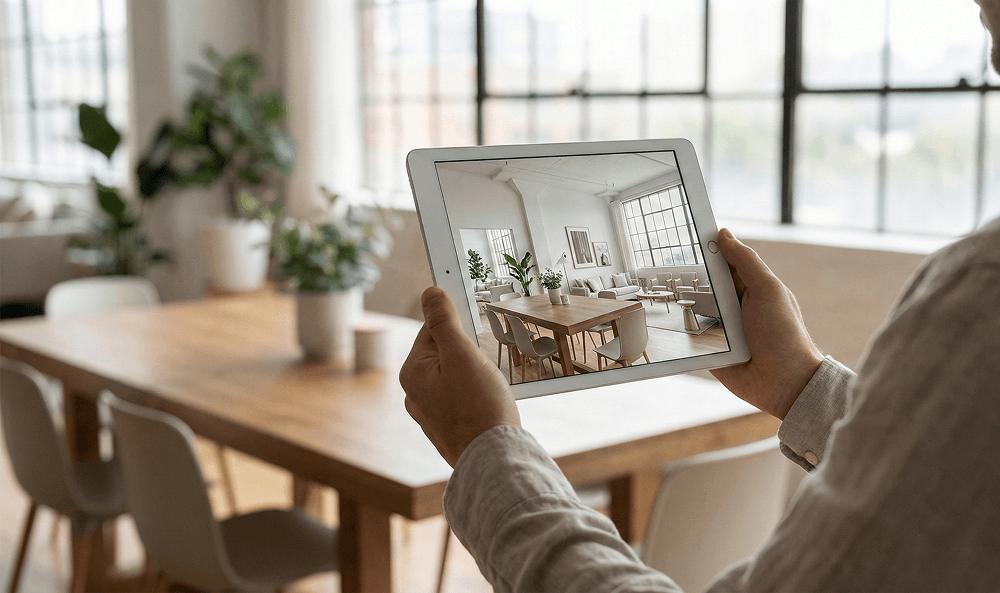
Staging for video is about controlling what the camera sees, because the lens captures more foreground clutter and more ceiling than you expect. Clear countertops, hide toiletries, and simplify open shelving so the viewer’s eye lands on the room itself rather than a dozen small objects competing for attention. If a space is tight, move a chair or side table temporarily, since a small layout adjustment can make the room feel larger and reduce the “cramped” impression that wide-angle phone cameras sometimes create.
Video also exaggerates transitions, so sightlines matter more than they do in person. Stand in doorways and look through the camera before you start recording, because you might notice a laundry basket, a leaning broom, or a cord that you have learned to ignore. When a room has one standout feature, like a fireplace, built-ins, or big windows, aim the walkthrough so that feature appears early in that segment, since viewers decide quickly whether a room feels memorable.
Audio and Internet Reliability Matter More Than You Think
A clean video with scratchy audio still feels low-quality, and low-quality signals can make buyers wonder what else is being glossed over. Quiet the environment by turning off loud fans, silencing TVs, and keeping pets in a separate area, because microphones pick up background noise more aggressively than you expect. Test your Wi-Fi in the farthest parts of the house, since dropped connections often happen in basements, garages, and back bedrooms, which are exactly the places buyers want to see clearly.
Create a Smooth Walkthrough Plan
A good Internet showing has a beginning, a middle, and an end, even if it is casual and friendly, because people relax when they know what is coming next. Start outside so buyers can see the approach, then move through the front door and follow a logical loop that mirrors how someone would naturally explore. Save the most detailed explanations for the spaces buyers care about most, like the kitchen, primary suite, and major systems, because long commentary in hallways tends to feel like filler on video.

Should You Show the Whole House in One Take?
One-take walkthroughs can feel authentic, but they also make it easier to get lost, especially if the home has multiple levels or an unusual layout. Breaking the tour into segments, like exterior, main level, upstairs, and backyard, helps buyers mentally file what they are seeing and makes rewatching more useful. Even during a live tour, you can pause briefly at transition points and say where you are headed next, because that small cue reduces confusion and keeps attention on the home rather than the camera movement.
Protect Privacy and Security While You Sell
Online tours last forever if someone records them, so it is worth scanning the house for anything you would not want shared broadly. Put away mail, prescriptions, family photos you consider sensitive, and anything with names or account numbers visible, including documents on desks and magnets on the fridge. Valuables should be out of sight as well, since the goal is to showcase the house, not the contents, and a clean, minimal look usually photographs better anyway.
Exterior shots deserve the same caution, particularly when you show access points. Avoid lingering on spare keys, alarm panels, or any routine that suggests when the home is empty, and consider removing identifying details that do not help the sale, like a car with a clearly readable license plate in the driveway. If you have smart home devices, reset voice assistants to a neutral mode and disable personal announcements, because buyers do not need a live demonstration of your daily reminders to understand the feature.
Help Buyers Picture Themselves There
Virtual showings can feel emotionally flat, which is why small, intentional “warmth cues” help without turning the tour into a sales pitch. A tidy entry, a made bed with simple linens, and a few plants or fresh towels can suggest comfort in a way that reads well on camera. Keep scents subtle, since buyers cannot smell the space through a screen, yet visual clues like a clean kitchen and fresh-looking surfaces still communicate “move-in ready.”
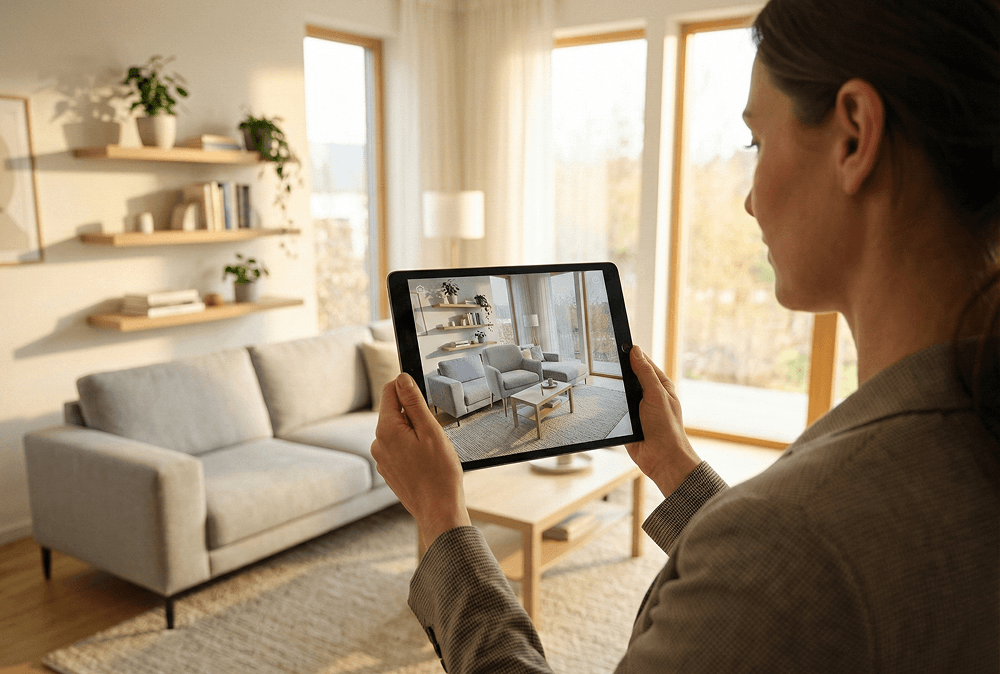
Details also land differently online, so it helps to show scale in a calm way. Open a closet door briefly to show storage, stand back far enough for buyers to see how furniture fits, and hold the camera steady for a few seconds in each room so the viewer can orient themselves. If you rush, the tour feels like a blur, while a slower pace makes the home feel more spacious and more thoughtfully maintained.
Prep Your Paperwork to Reduce Friction Later
A strong Internet showing often leads to faster offers, which is great until a deal slows down because basic details are missing or inconsistent. Gather the information buyers commonly request, like utility averages, the age of major systems, recent improvements, HOA details if applicable, and any transferable warranties. When you can answer those questions quickly, the buyer experience feels professional, and serious buyers tend to stay engaged rather than drifting to the next listing.
Title-related readiness matters here too, because a smooth closing starts long before a contract is signed. Crescent Title can help you understand what might come up in a title search, what documents are typically needed, and what timing expectations look like once you are under contract, especially if there are payoffs, liens, inherited interests, or prior paperwork that needs clarification. When you loop in Crescent Title early, you reduce the odds of last-minute surprises, and you give yourself more time to solve issues calmly instead of under a closing deadline.
Should You Offer a Live Walkthrough, a 3D Tour, or Both?
Each format serves a different buyer mindset, so offering more than one option can widen your net without multiplying your work. A live walkthrough is best for building trust and answering questions in real time, while a 3D tour or recorded walkthrough is best for convenience, sharing, and second looks. If you can only do one, choose the format that matches your likely buyer pool, because relocation buyers often love a detailed recording, while local buyers sometimes prefer a quick live confirmation before scheduling an in-person visit.
Day-of Checklist for a Calm Showing
The day of the Internet showing should feel like a repeatable routine, because consistency keeps you from forgetting small things that show up loudly on camera. Do a quick sweep for clutter, run a microfiber cloth over shiny surfaces that catch glare, and check mirrors and stainless steel for streaks that your eyes miss but the camera highlights. Open blinds, turn on lights, silence notifications, and do a 30-second test recording in the main living area so you can confirm audio, framing, and Wi-Fi before the buyer joins.
From Showing to Closing: Keep Momentum
Once interest turns into an offer, a steady path to closing becomes the real win. Crescent Title can support that process by helping coordinate the title work, guiding you through the closing steps, and keeping the transaction moving with clear communication as deadlines approach. If you are preparing for an Internet showing because you want serious buyers and a clean finish, Crescent Title is ready to help you turn that online first impression into a closing that feels organized from start to finish.
© 2026 Crescent Title, LLC | Privacy Policy